Key takeaways
- Installs are unlimited; simultaneous streams are what you pay for.
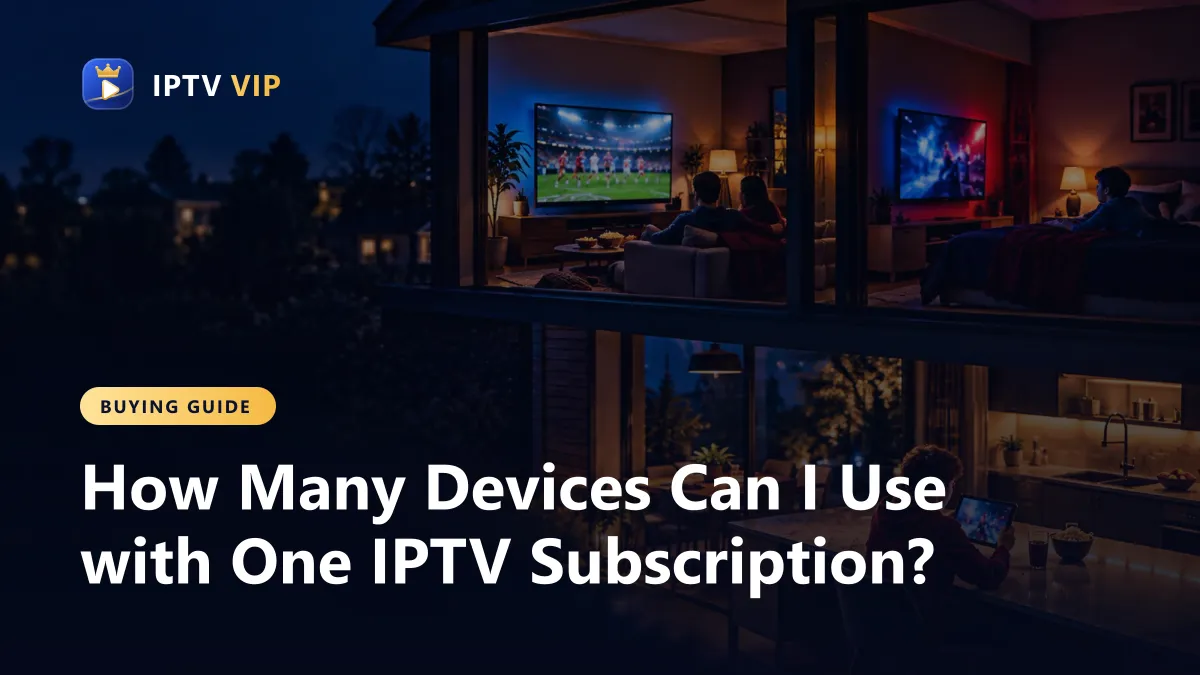
- Count the most screens your home uses at the busiest moment, usually a weekend evening or a big game.
- A 2-screen year costs $109, far less than two 1-screen years at $154.
- Premium plans cover 3 to 5 screens for a year at the lowest price per screen.
Devices vs screens: the difference that matters
Most confusion about IPTV multiple devices comes from one word. When a plan says 1 device, it means one stream at a time, not one gadget forever. You can sign in on the living room TV, a bedroom Fire TV Stick and your phone. As long as only one of them is playing, a 1-screen plan works.
When a second device starts playing while the first is still on, the server sees two connections. On a 1-screen plan, the second one is refused or the first one stops. That is the moment people think the service is broken, when the plan is simply full.
A useful way to picture it: your plan is a number of seats, not a number of keys. Everyone in the house can have a key, meaning the app and the login on their device. The plan decides how many of them can sit down and watch at the same moment. When someone stops watching, their seat is free again for the next person.
How many screens does your household need?
Think about the busiest moment of the week, not an average evening.
| Household | Busiest moment | Screens to buy |
|---|---|---|
| Living alone | One TV, sometimes the phone on the go | 1 |
| Couple | Game on the TV while the other watches a series in bed | 2 |
| Family with teenagers | Three rooms on a Sunday evening | 3 |
| Large family or shared house | Everyone home on a weekend night | 4–5 (premium) |
If you are unsure between two sizes, choose the bigger one. One refused stream during a big game costs more goodwill than the difference in price.
Also count the screens you forget about. A tablet in the kitchen during dinner, a laptop in a home office during a weekday game, or a grandparent's TV in a separate apartment all use a seat while they play. Families who list every room before buying rarely need to upgrade later.
Prices for multiple devices, side by side
Here are the IPTV VIP plans for one year, which is where most households land:
| Plan (1 year) | Price | Per screen per year |
|---|---|---|
| 1 screen | $77 | $77 |
| 2 screens | $109 | $54.50 |
| 3 screens | $189 | $63 |
| Premium, 3 screens | $149 | $49.67 |
| Premium, 4 screens | $189 | $47.25 |
| Premium, 5 screens | $229 | $45.80 |
For three screens on a one-year term, the premium plan is the cheaper choice. Standard 3-screen plans make sense if you want a shorter term, such as $39 for one month or $79 for three months. Every option is on the pricing page.
IPTV multiple devices: setting up every TV in the house
Each device needs its own player app, but they all use the same login.
Setting up a second or third device takes about ten minutes each, and you only do it once. The login is the same everywhere, so keep it in a note on your phone rather than typing it from the welcome email each time.
- Install the player on each device. Fire TV Sticks and LG TVs use IPTV Smarters Pro, Android uses XCIPTV, iPhone and iPad use Smarters Player Lite. The setup guides list each one.
- Sign in on each device with the same username, password and server URL.
- Give each device a clear name in the app if it asks, such as Living room or Kids.
- Close the app properly on devices you stop using, so they do not hold a connection open.
Apollo keeps a handy list of supported devices if you are buying new hardware for a second room.
Common problems with IPTV on multiple devices
- A phone left playing in a pocket counts as a screen. Closing the app, not just locking the phone, frees it.
- Sharing a login outside the home fills your screens without you knowing. Keep the login to your household.
- Two TVs on weak Wi-Fi can both buffer even if the plan allows both. Each Full HD stream needs about 15–20 Mbps; see our internet speed guide for whole-house numbers.
- Upgrading mid-term. If you need more screens later, message support. We will tell you the cost to move to a larger plan.
Need more than five screens, for a large family or a small business? Message support for a custom plan rather than buying two separate subscriptions.
Short term or long term for a multi-screen plan?
For a household that already knows it needs two or three screens, a year is the best value. If you are testing whether everyone will actually use it, start with a month: $29 for two screens or $39 for three. After that, the one-year price is clearly lower per month, as our cheap IPTV guide shows in detail.
Frequently Asked Questions
Can I use one IPTV subscription on multiple devices?
Yes. Install the app on as many devices as you like and use the same login. The plan limits how many play at the same time, from 1 to 5 screens.
What happens if I watch on two devices with a 1-screen plan?
The second stream is refused or the first one stops. Choose a 2-screen plan if two people watch at once.
Is it cheaper to buy two 1-screen plans or one 2-screen plan?
One 2-screen plan. For a year it costs $109, against $154 for two separate 1-screen plans.
Can I move my subscription to a new TV?
Yes. Install the player on the new TV and sign in with the same details. Close the app on the old one if your plan is for one screen.
Do I need a separate login for each device?
No. Every device uses the same username, password and server URL. The plan counts streams that play at once, not logins.