Key takeaways
- Test speed where the TV is, at the time you watch; the speed next to the router means little.
- One channel stalling points to the stream; every channel stalling points to your home network or device.
- A $15–20 Ethernet adapter fixes more Fire TV buffering than any setting.
- Busy hours (Sunday afternoons, 8–11 p.m.) expose weak setups; test then.
Why IPTV buffering happens
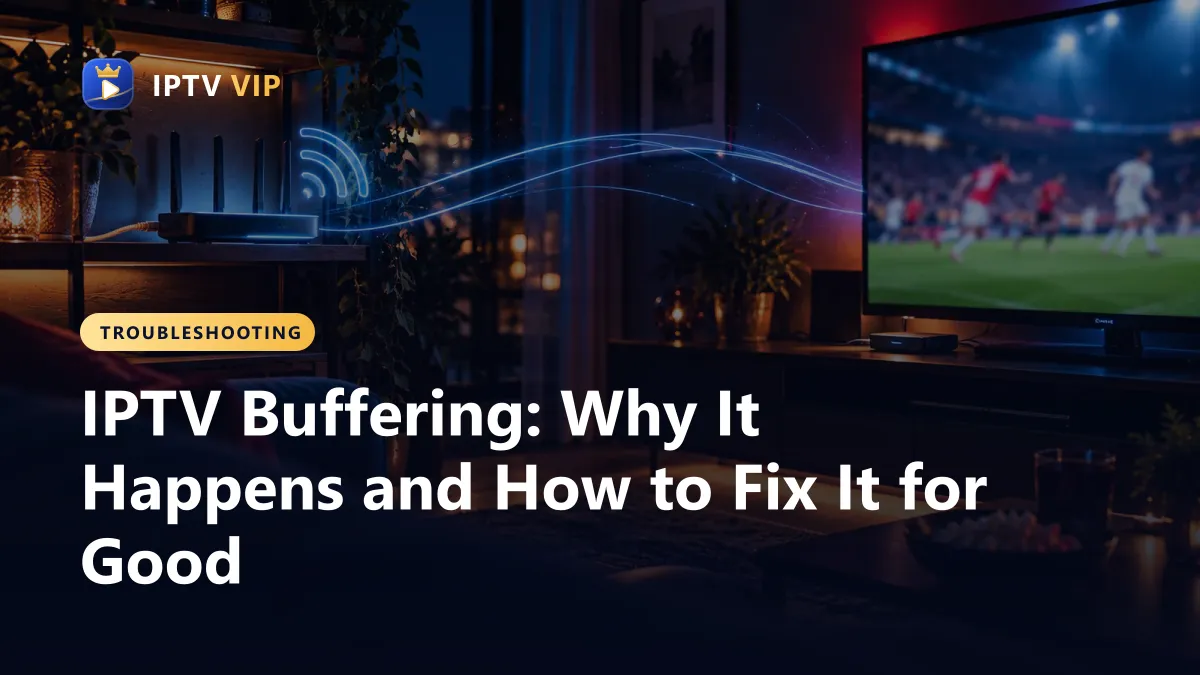
A live stream is a steady flow of small video pieces. Your player keeps a few seconds in reserve. When the pieces arrive slower than the TV shows them, the reserve empties and the spinning wheel appears. Something between the server and your screen is too slow, and the job is to find which link.
| Cause | How it shows | How common |
|---|---|---|
| Weak Wi-Fi at the TV | Phone near the TV also slows; fine near the router | Very common |
| Not enough speed for all screens | Stalls start when a second person begins streaming | Common |
| Device short on memory | Menus lag, app closes, gets worse over hours | Common on older sticks |
| Internet provider congestion | Stalls only at peak hours, on every service | Sometimes |
| Distant VPN server | Stalls only with the VPN on | Sometimes |
| A single stream or server | One channel stalls, others are fine | Occasional |
Fix IPTV buffering step by step
Work from the top. Most people never need to go past step four.
- Measure at the TV. Run a speed test in the TV's browser, or on a phone held next to the TV. Aim for 15–20 Mbps per Full HD screen and 25 Mbps or more for 4K.
- Switch to 5 GHz Wi-Fi. Most routers broadcast two networks. The 5 GHz one is faster at short range; 2.4 GHz reaches further but is slower and crowded.
- Use a cable where you can. Smart TVs have an Ethernet port; Fire TV Sticks take a USB-powered Ethernet adapter. This removes Wi-Fi from the equation.
- Restart and clear the cache. Unplug the device for 30 seconds. In the player app, clear the cache (Fire TV: Settings, Applications, Manage Installed Applications).
- Close what competes. Game downloads, cloud photo backups and large uploads on the same network take bandwidth from the TV.
- Change the stream format. In IPTV Smarters Pro settings, try MPEGTS (.ts) and HLS (.m3u8). One often plays smoother on a given device.
- Pick a lower quality for that channel. If a 4K version stalls, the HD version of the same channel needs far less speed.
- Test without the VPN. If buffering stops, choose a VPN server closer to you.
- Tell support which channel and when. If one channel stalls at the same time each day, that is a server issue for the provider to fix.
IPTV buffering on Fire TV Stick
The Fire TV Stick is the most popular IPTV device in the US and also the one that buffers most, because it sits behind the TV where Wi-Fi is weakest and it has limited memory. Three habits make a big difference:
- Use the HDMI extender that comes in the box to lift the stick away from the TV's metal back.
- Keep at least 1 GB of storage free: Settings, My Fire TV, About, Storage.
- Turn off data monitoring and app usage data collection in the privacy settings to save memory.
If you are setting up a stick from scratch, our Fire TV Stick guide installs the player in about ten minutes, and the general setup page covers every other device.
How much speed does your home need?
| Household | Streams at once | Recommended speed |
|---|---|---|
| Single viewer | 1 Full HD | 20 Mbps |
| Couple | 2 Full HD | 40 Mbps |
| Family | 3 Full HD | 50–60 Mbps |
| Big family, sports in 4K | 1 in 4K + 3 in Full HD | 100 Mbps or more |
These figures leave room for phones and laptops in the same house. Multivision's IPTV buffering fix guide has extra router tips, and Apollo's notes on getting the most from 4K streaming help if you watch in UHD.
Router placement and mesh Wi-Fi
Where the router sits often decides whether a TV buffers. Walls, floors, mirrors and fish tanks all weaken Wi-Fi, and the router is often hidden in a cabinet at the far end of the house.
- Put the router high and in the open, as close to the main TV as your wiring allows.
- Keep it away from microwaves, cordless phone bases and large metal objects.
- In homes over about 1,500 square feet or with several floors, a mesh Wi-Fi system usually fixes far-room buffering better than a range extender.
- Restart the router once a week if it has been running for months; many consumer routers slow down over time.
After moving anything, run the speed test at the TV again; the number there is the only one that counts.
When buffering is not your fault
Sometimes everything at home is fine and streams still stall. If the same channel freezes for several people at the same time, or every channel stalls only at peak hours on a fast wired connection, the bottleneck is upstream. That is when a provider's server capacity matters, and why you should test any service at prime time before buying a long plan; our guide to choosing an IPTV service explains how.
Frequently Asked Questions
Why does my IPTV keep buffering?
Most often because the Wi-Fi signal at the TV is weak, even when the internet plan is fast. Test speed at the TV, switch to 5 GHz Wi-Fi or a cable, restart the device and clear the app cache.
How do I stop IPTV buffering on a Firestick?
Use the HDMI extender, connect with a USB Ethernet adapter if possible, keep 1 GB of storage free, clear the player's cache and unplug the stick for 30 seconds when it slows down.
Does a VPN cause IPTV buffering?
It can, if the VPN server is far away or overloaded. Test with the VPN off; if buffering stops, pick a server closer to you.
What internet speed stops IPTV buffering?
Around 20 Mbps per Full HD screen and 25 Mbps or more per 4K screen, measured at the TV at the time you usually watch.